
SpacePlay or pause
Your keys still work
Point here and press one. Every key goes straight to mpv, so the shortcuts you know, and any you have added, carry over.
Plush for Windows
A media player that gets out of the way. Your own library from Jellyfin, Emby, Plex, folders and WebDAV, played with mpv's picture and none of its homework.
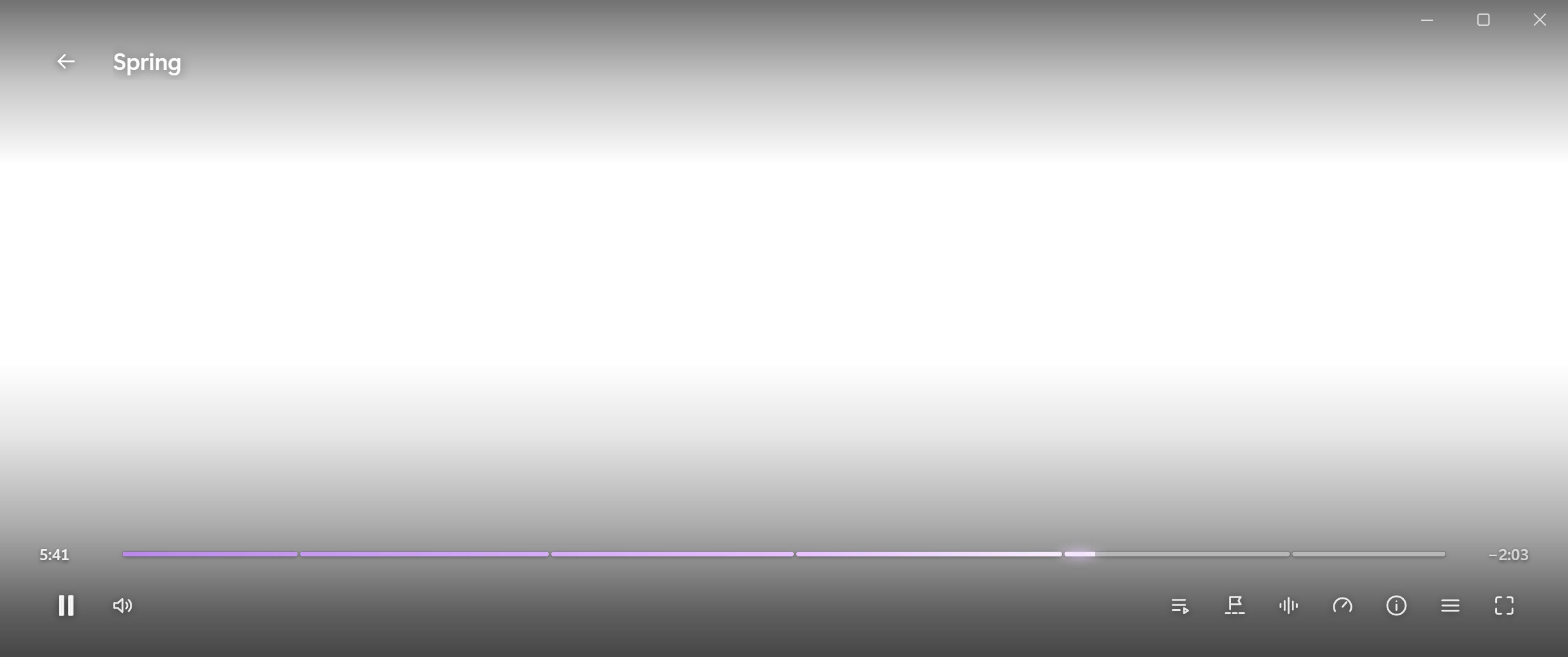
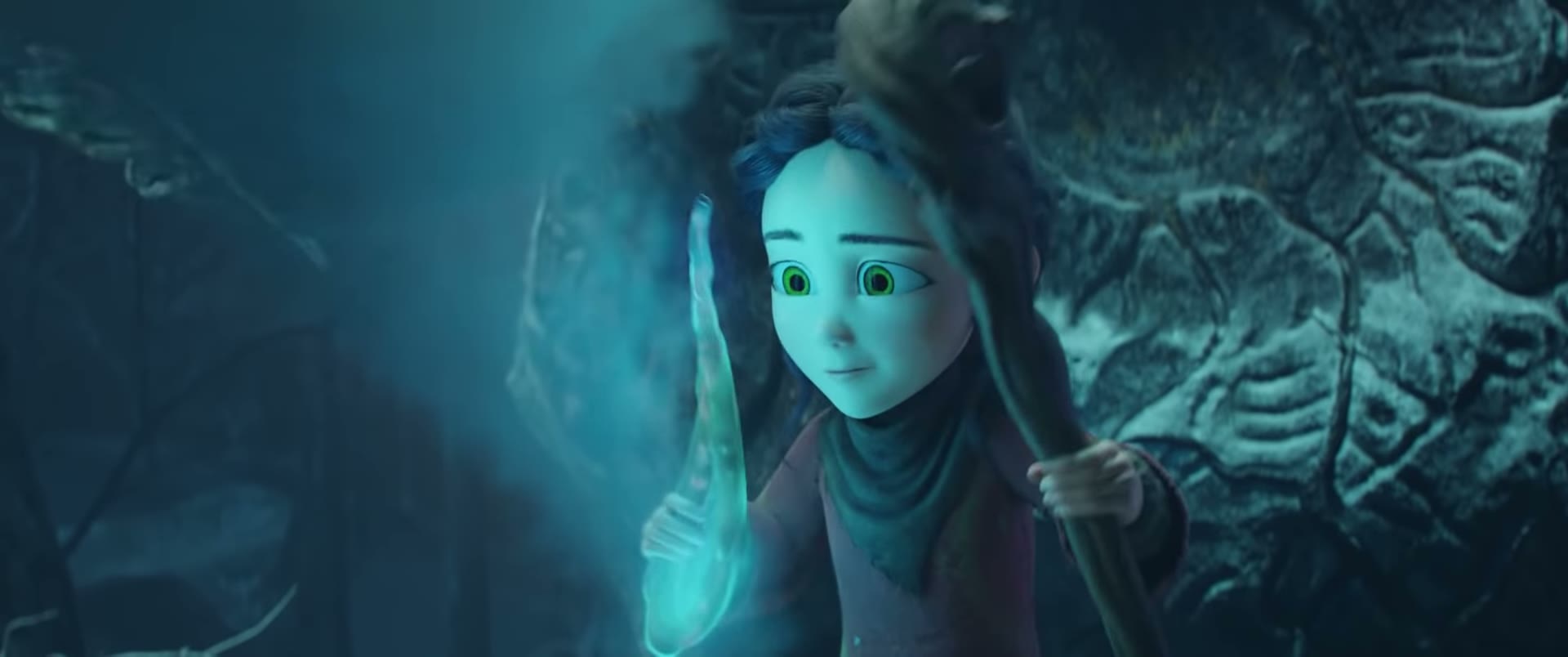
Plush's own player, playing Spring. Rest the pointer on the picture and the controls step aside.
Your library, not ours
Plush plays what is already yours. No account to make, nothing to tune, nothing between you and the film.
01 The player
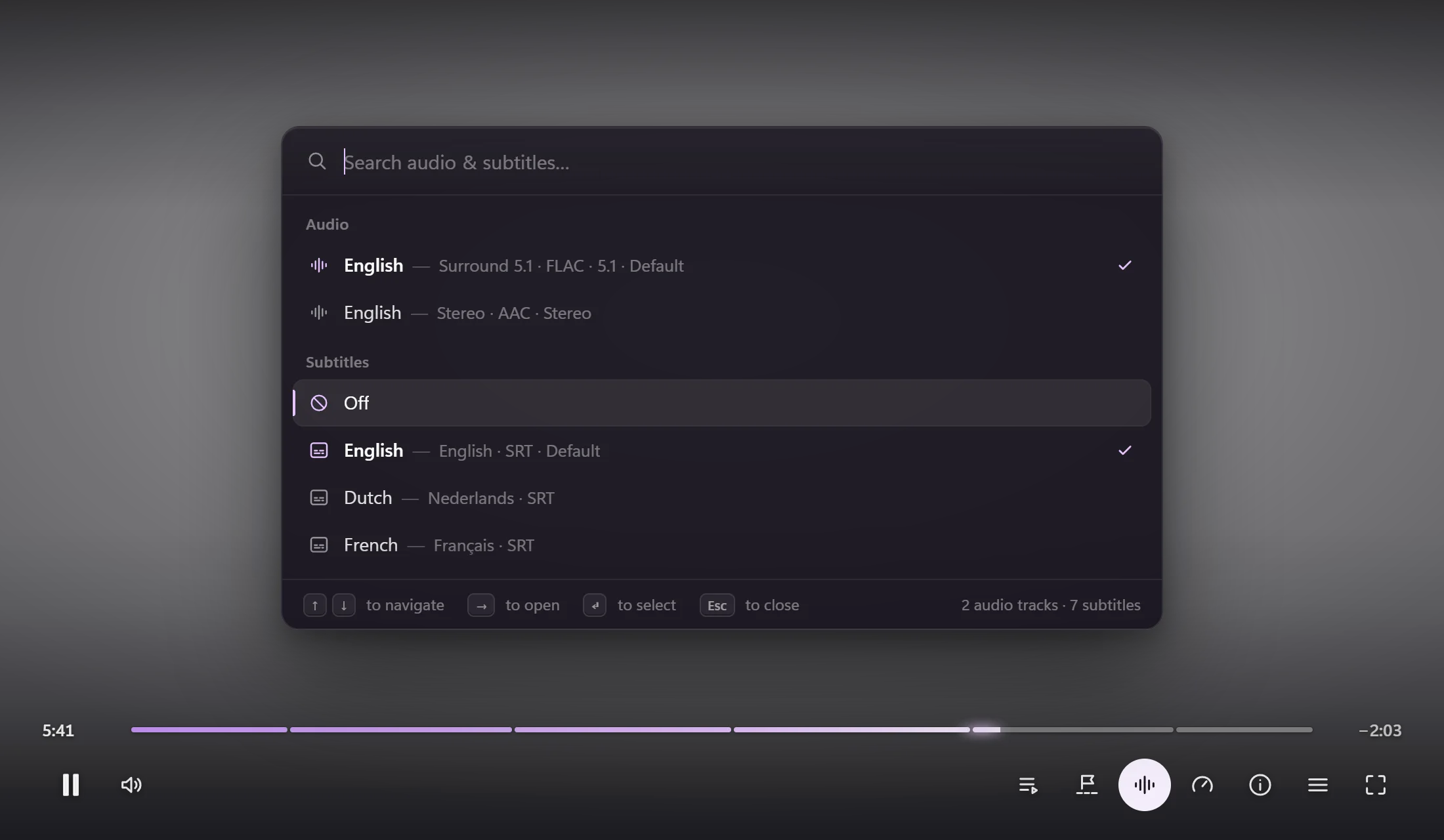
Audio and subtitles in one sheet you can search and steer from the keyboard. No cycling through tracks to find the right one.
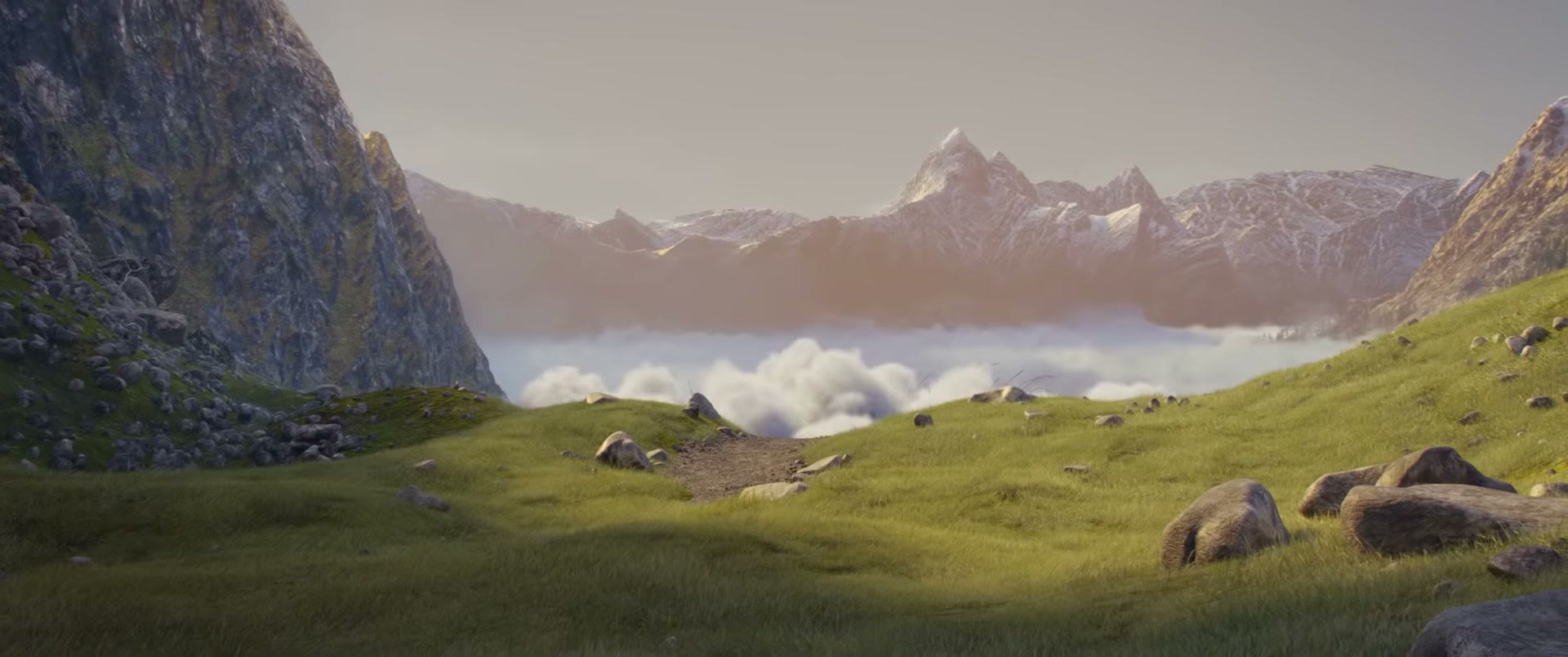
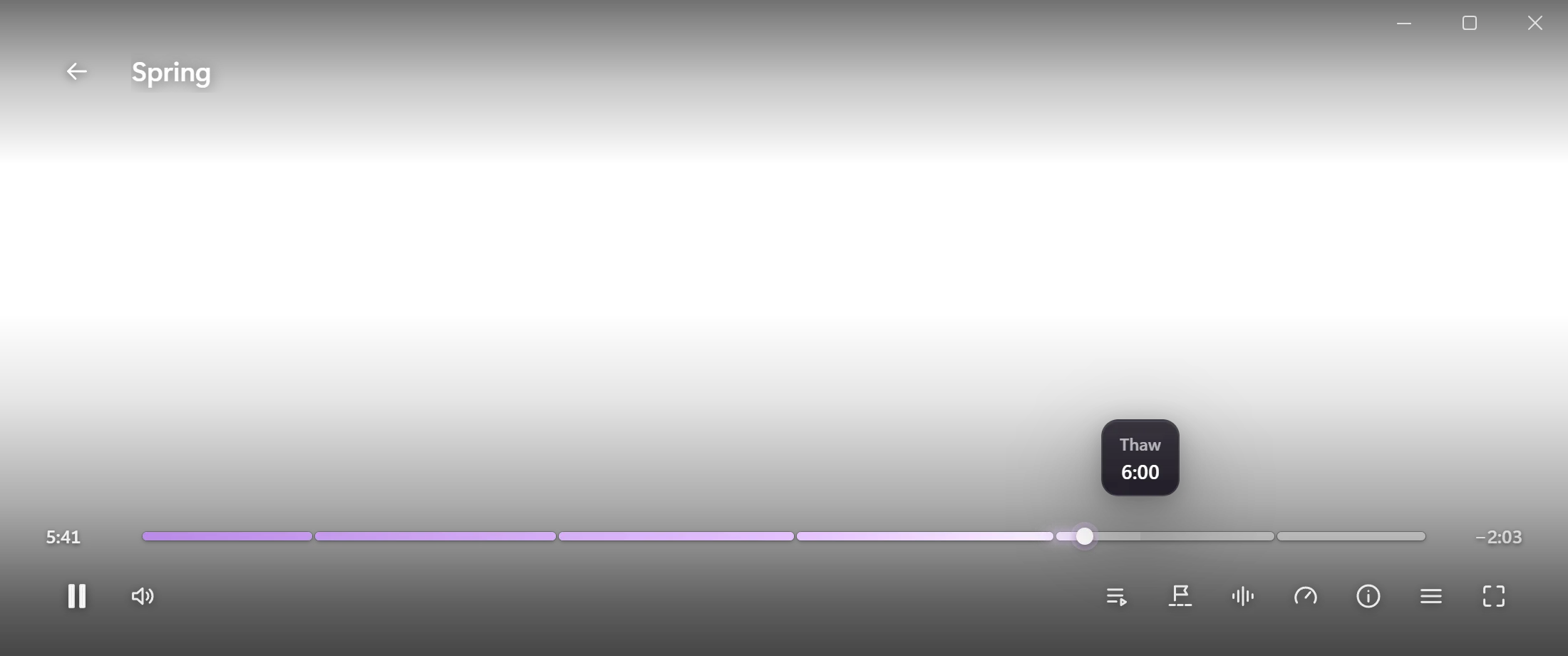
Chapters are marked on the bar. Point anywhere and Plush shows where you would land, with a preview of the frame for every file.
SpacePlay or pause
Point here and press one. Every key goes straight to mpv, so the shortcuts you know, and any you have added, carry over.
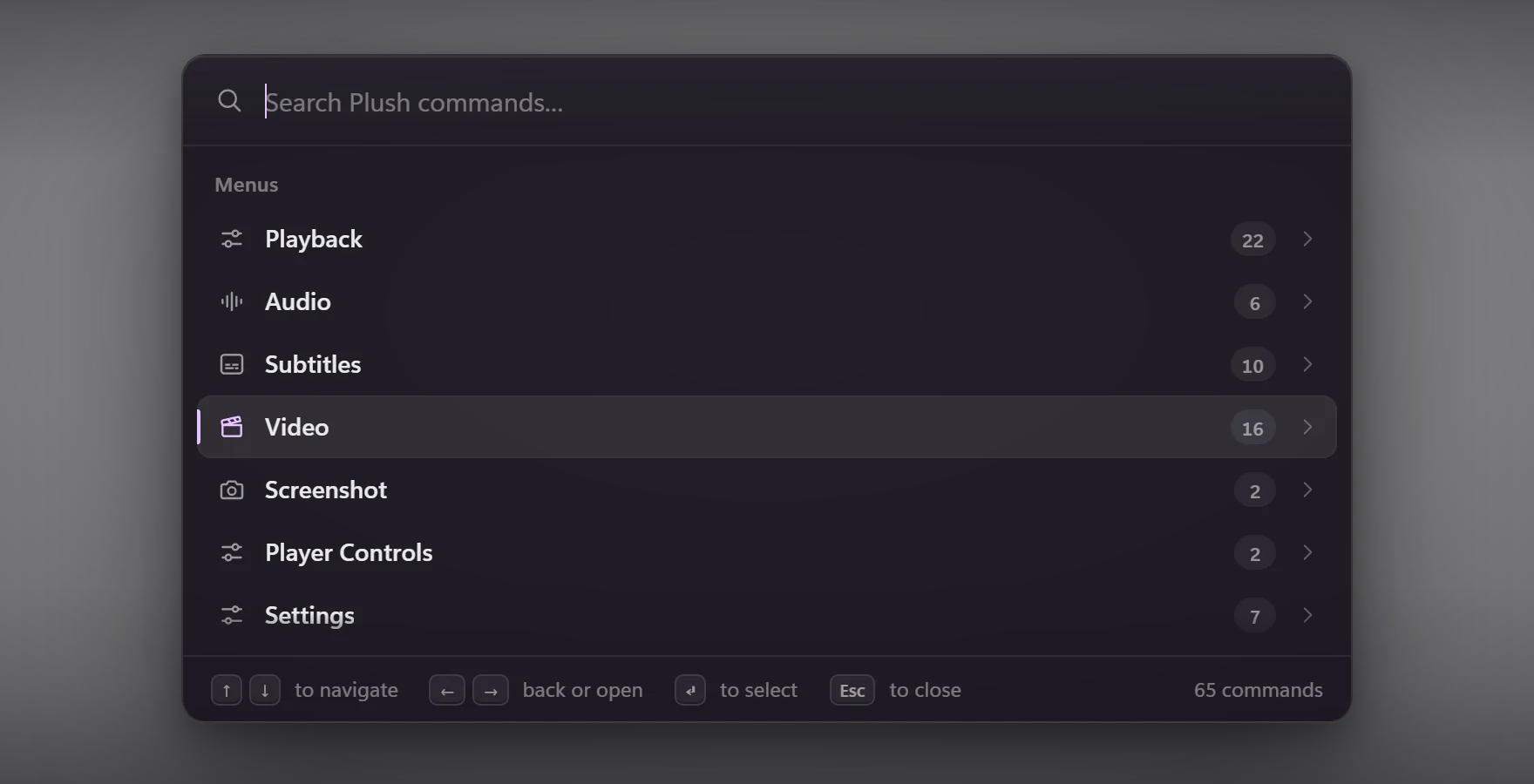
Speed, filters, shaders, screenshots: every command in one list you can search, with your own added to it.
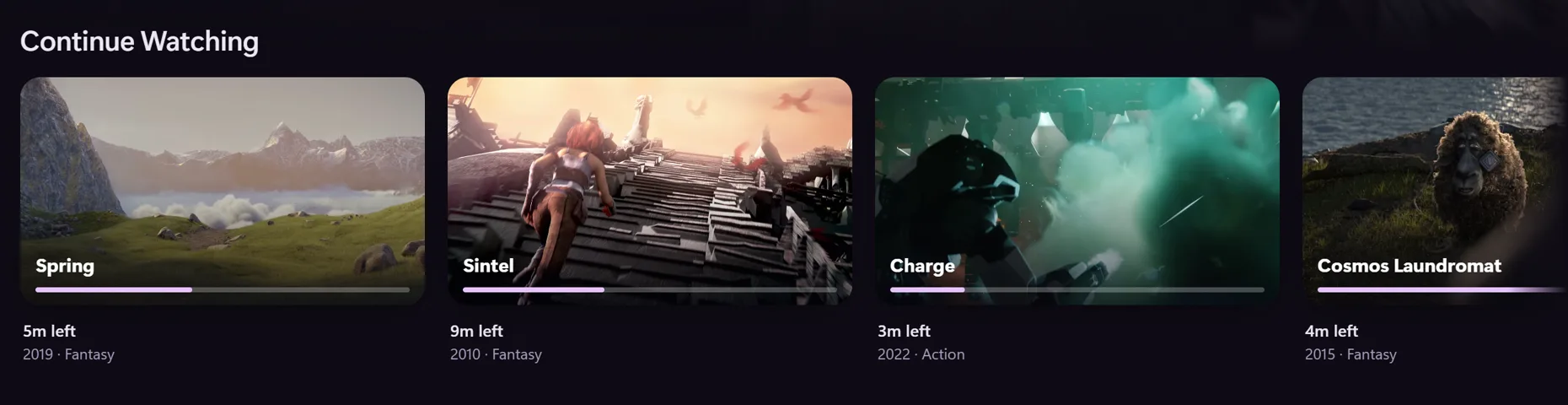
Stop on one source or screen and carry on exactly where you left off.
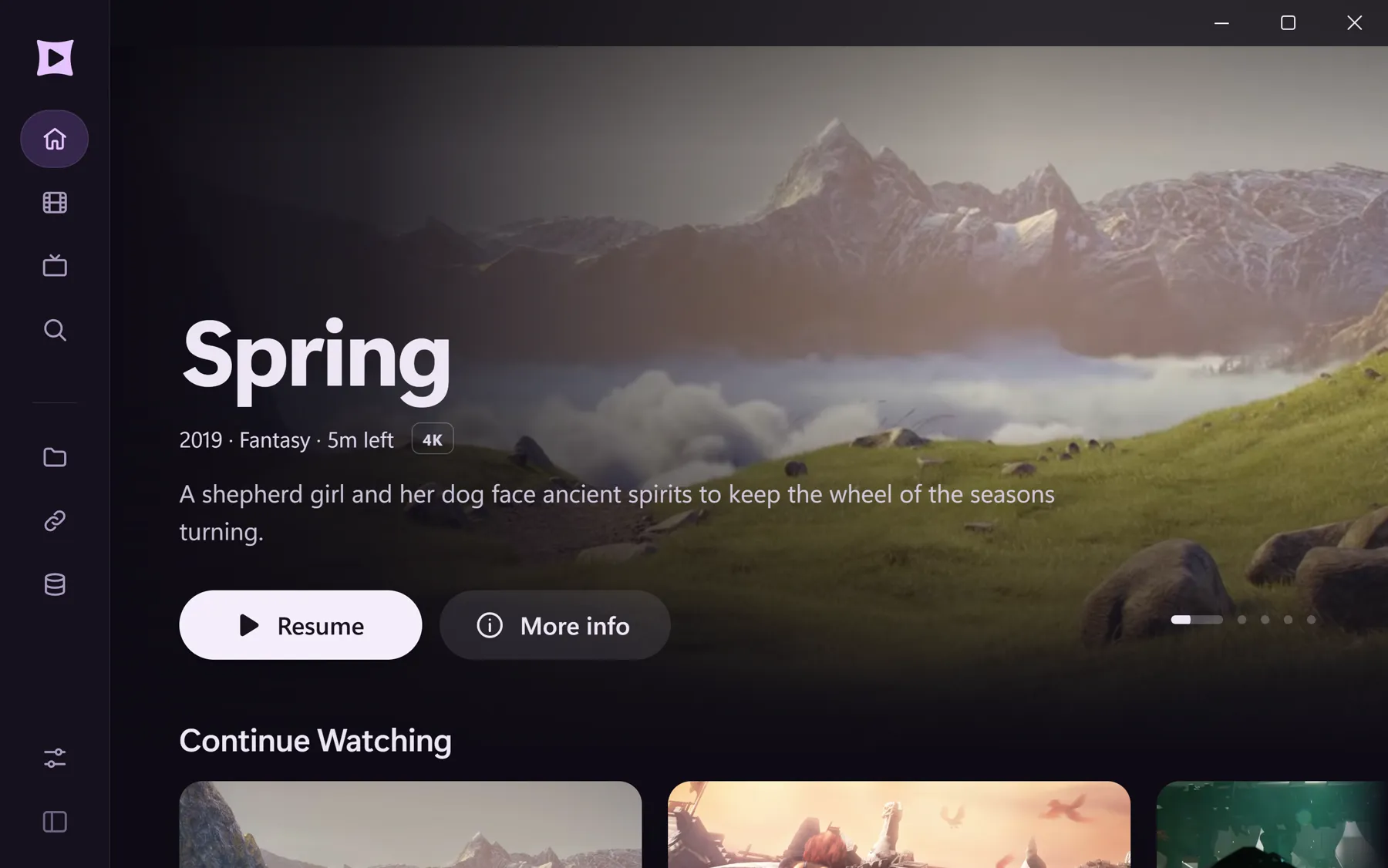
TV mode brings bigger text, focus rings and a game controller.
02 The library
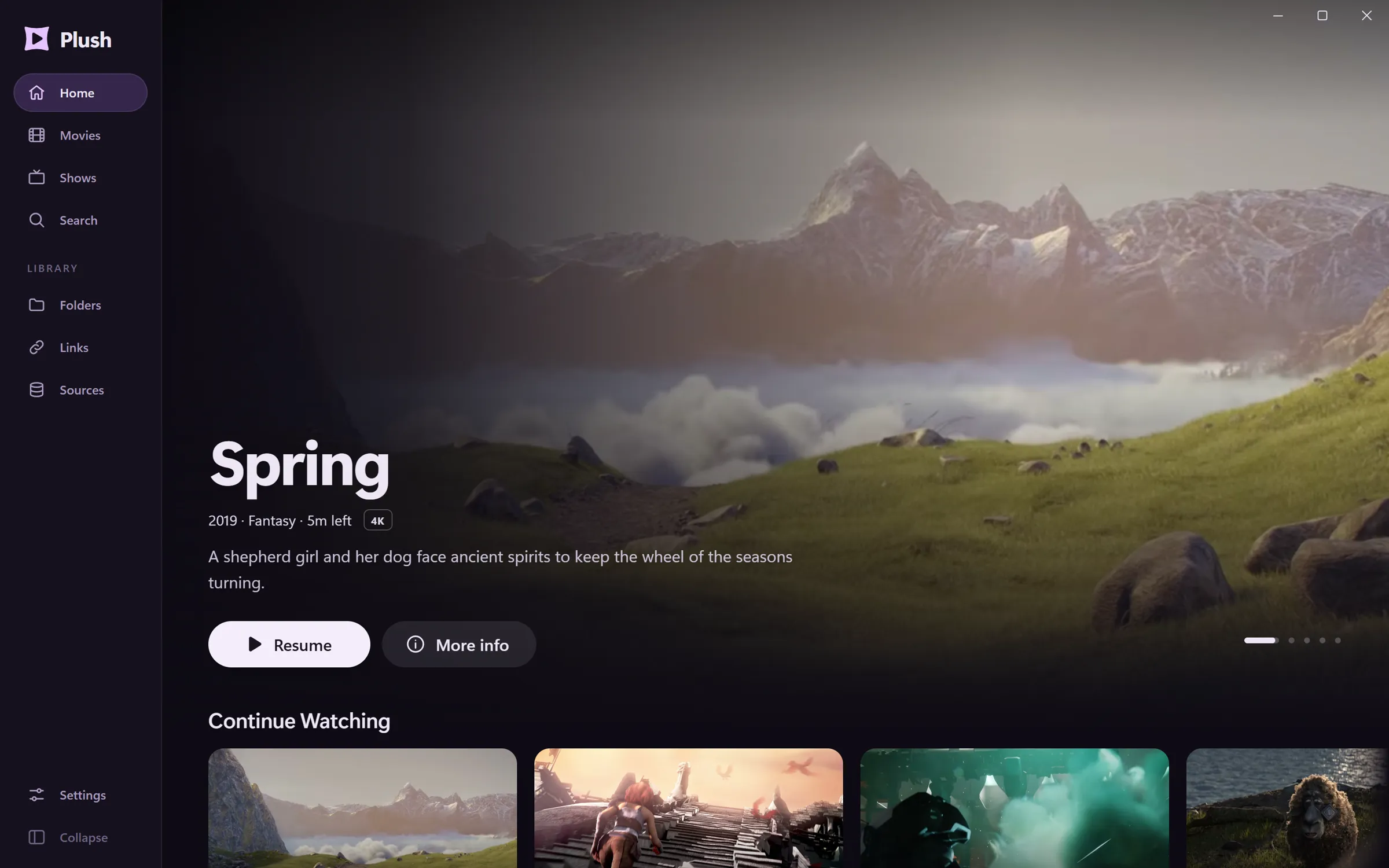
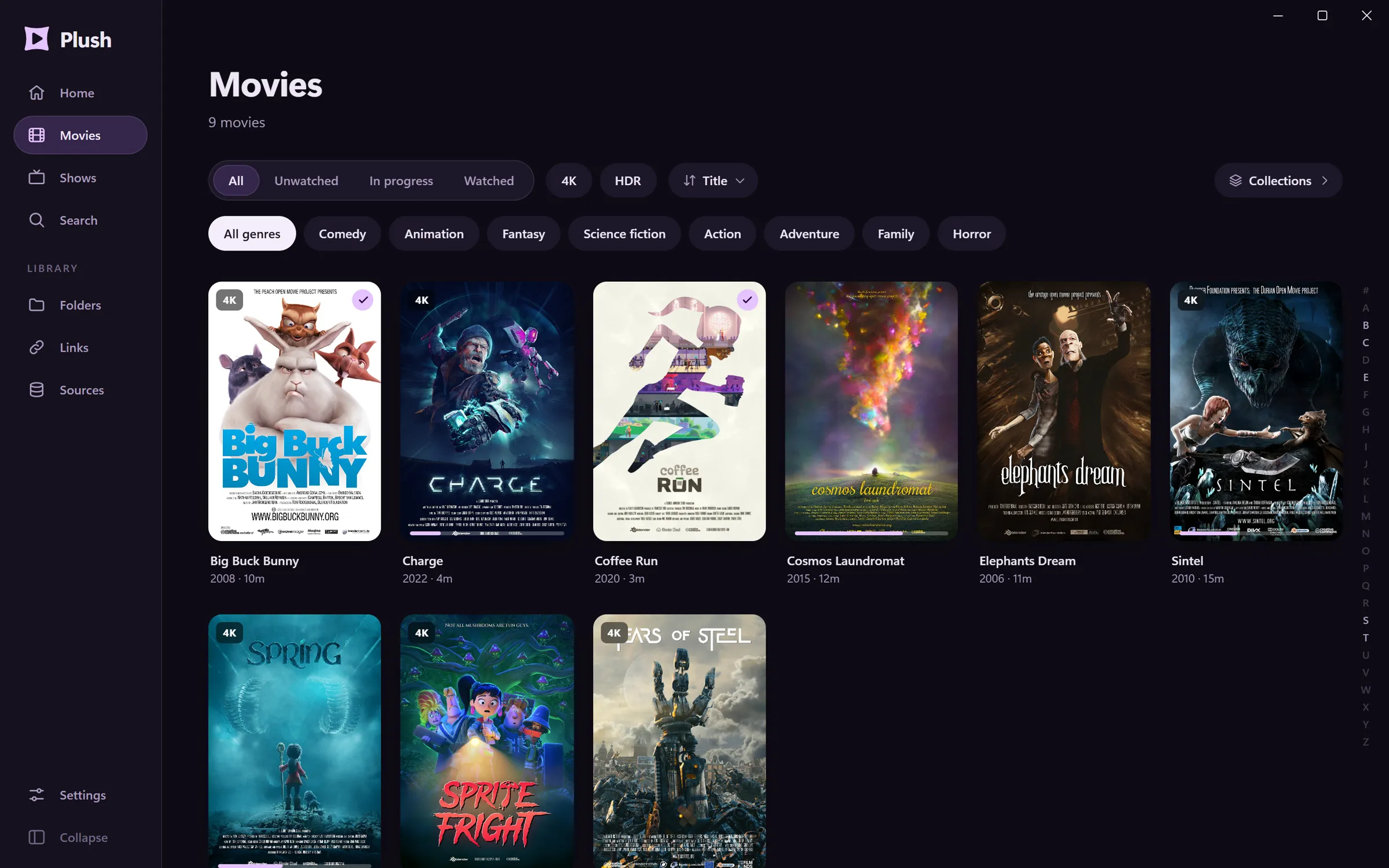
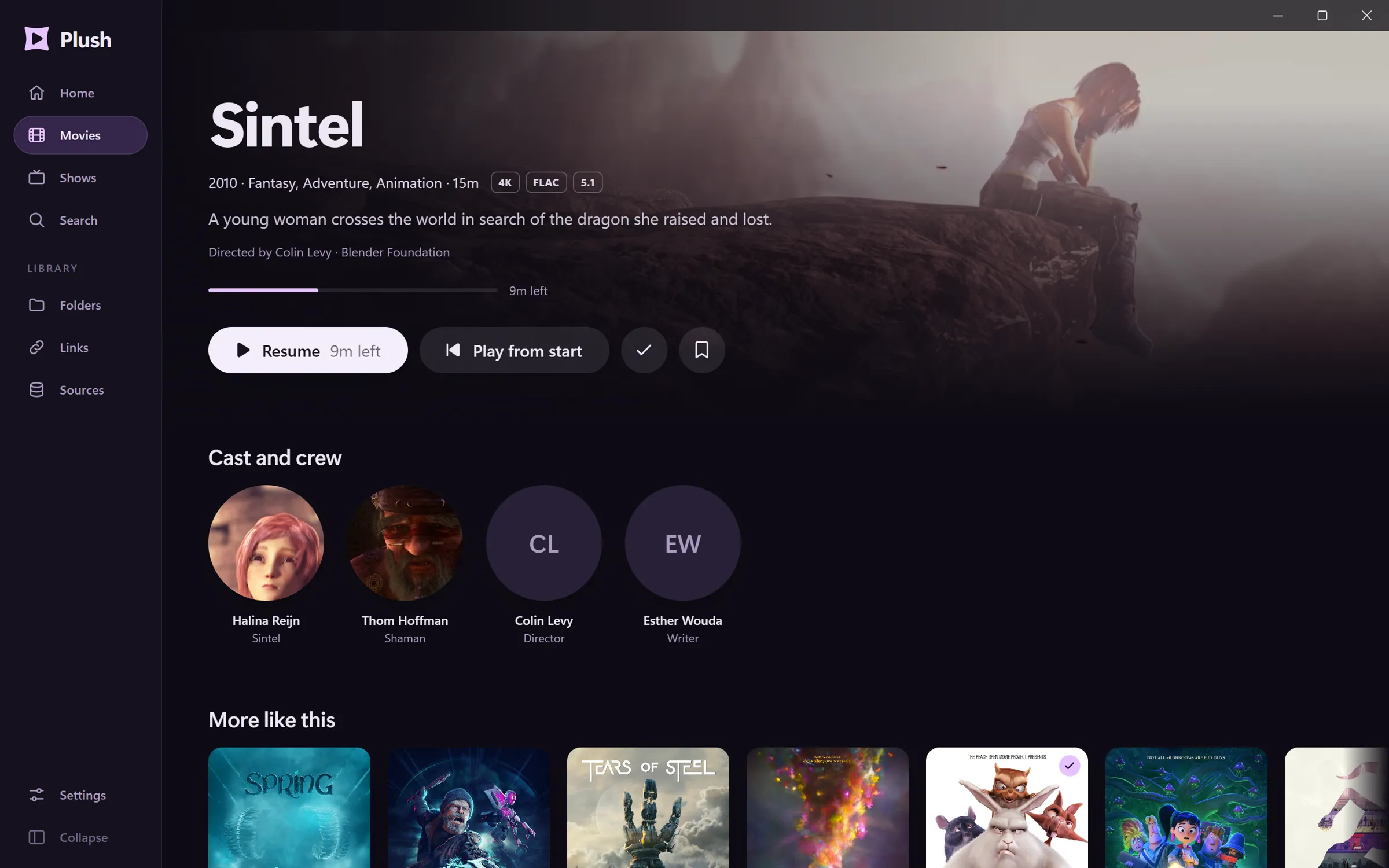
03 The picture
Plush is built on mpv, the player enthusiasts tune for years. You get the picture without the tuning.
HDR and Dolby Vision reach your screen with the film's own brightness data.
An optional add-on fills in the frames between frames for fluid pans.
Choose audio and subtitles once. Every next episode of that show follows.
Tells anime from live action and smooths colour stripes only where they show.
Media keys, the media flyout, taskbar progress, and a screen that can match the film's frame rate.
# mpv.conf
deband=noYour own mpv.conf, shaders and keys still apply, and can be edited in the app.
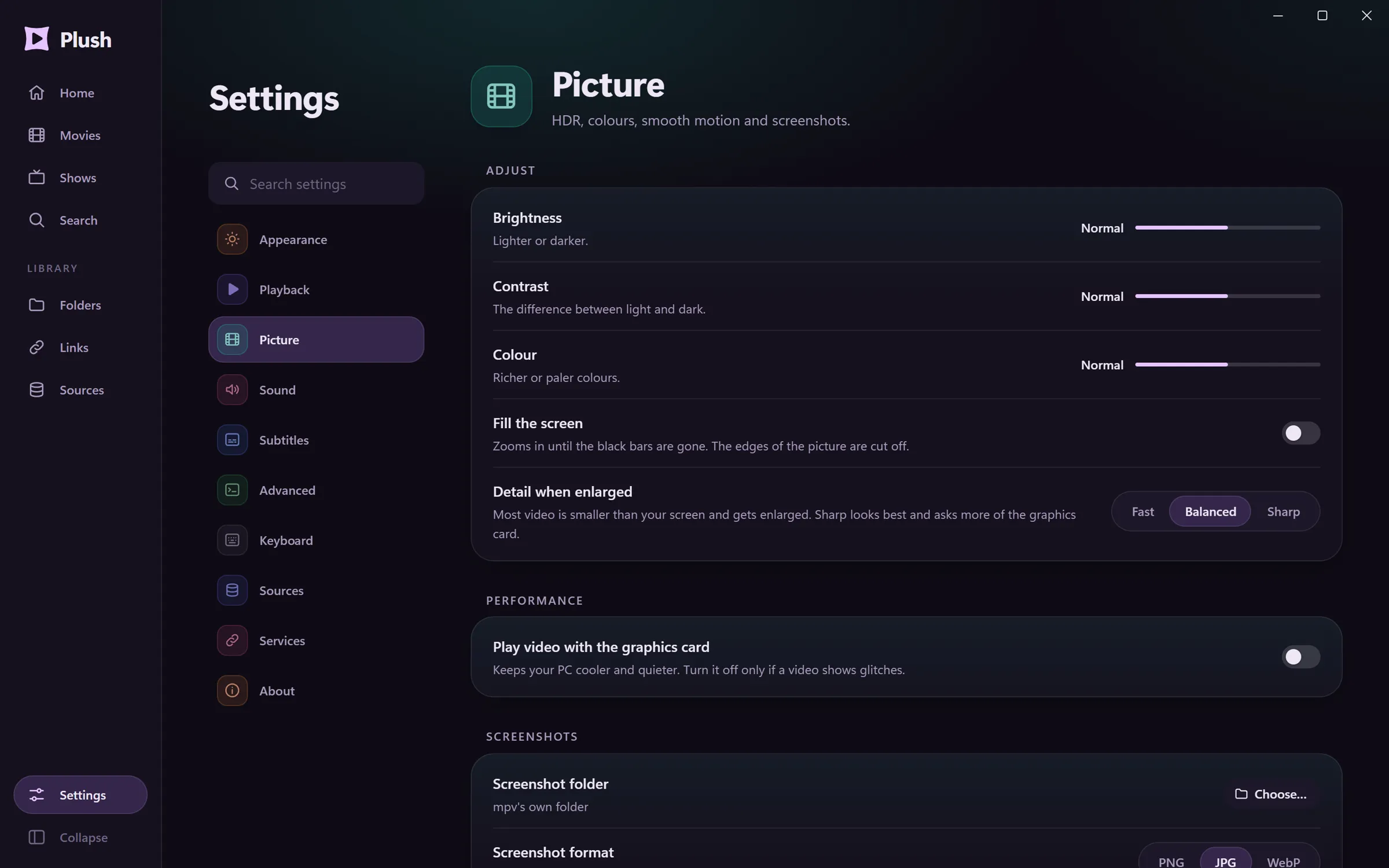
"Play video with the graphics card." "Fill the screen." "Detail when enlarged." One short sentence each, and a search across all of them.
No option names, no forum threads. The expert page is there when you want it.
04 Sources
Your library, favourites and collections, as your server keeps them.
Your servers and your Watchlist, one sign-in away.
Pick a folder on this PC. Plush reads the names and builds the shelves.
Play straight from your own storage, wherever it lives.
Paste an address and it plays.
One file. No admin rights. It sets itself up and keeps itself up to date.